Реклама на сайте
2 млн+ просмотров в месяц
Ads

Shaders PSPE 1.9

Shaders PSPE 1.9
05.02.2026 Shaders admin 0 comments 1 min 317 views

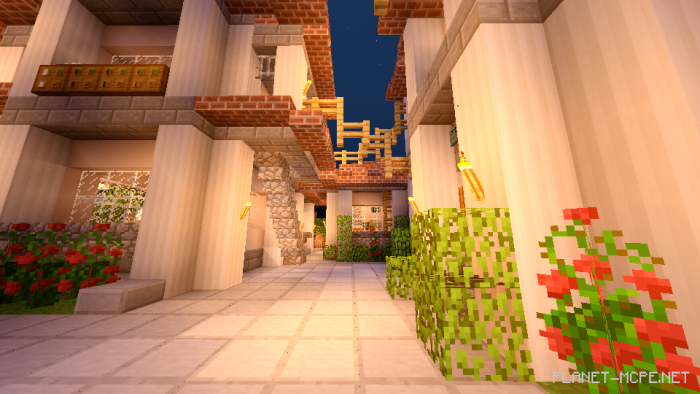
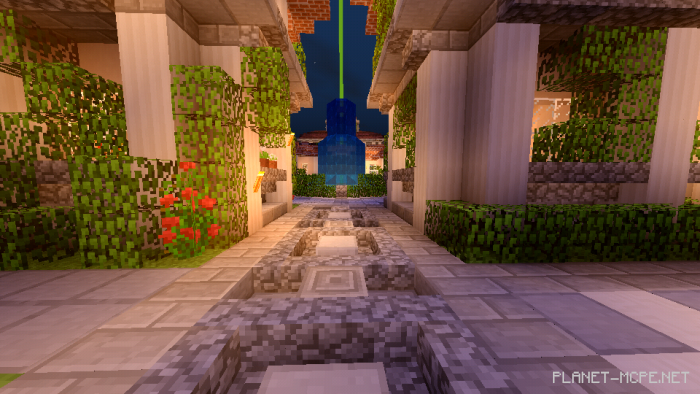
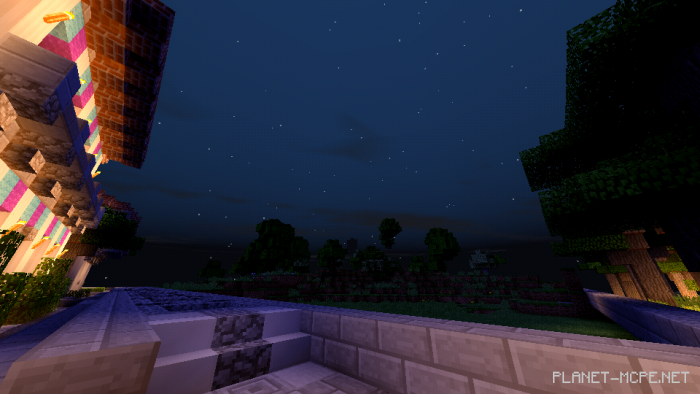
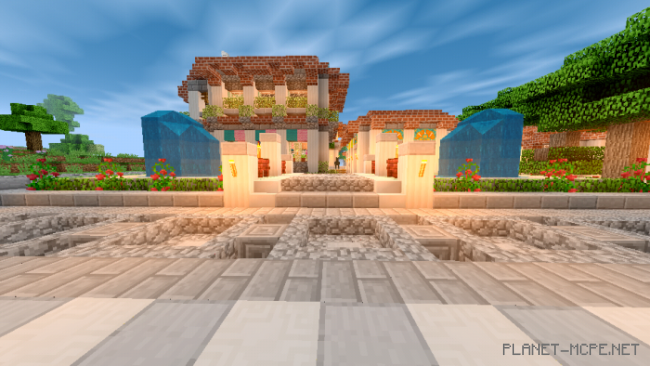
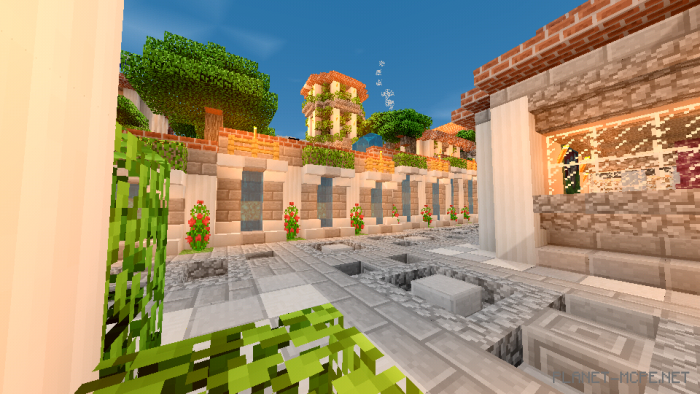
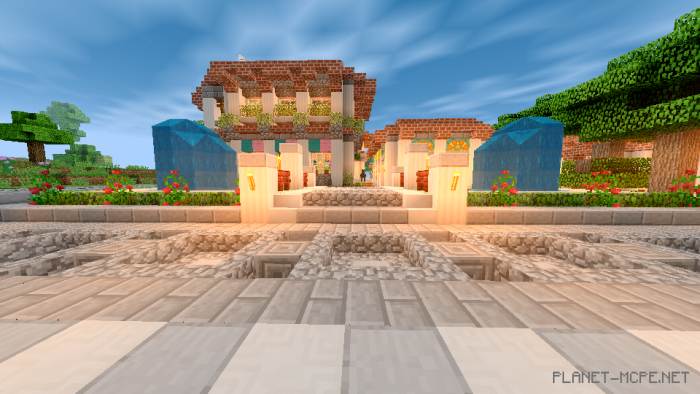
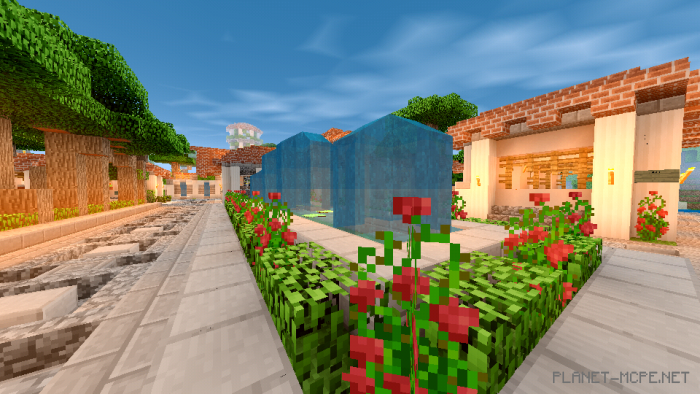
PSPE (Powerful Shaders) is a lightweight shader pack that serves as the perfect option for those with lower-end devices who are unable to utilize other shader packs in Minecraft. While it is quite simple, this pack includes several essential features (such as more realistic lighting) to enhance the beauty and realism of Minecraft Bedrock significantly.
Installing PSPE (.mcpack)

  • Download the shaders marked with “.mcpack” below.
  • Open the downloaded file to import the shaders into Minecraft.
  • Launch Minecraft Pocket Edition and navigate to world settings.
  • Set the imported:
    Resource Packs for your world.
  • Select the imported shaders in each section.
  • It is recommended to restart the game client Minecraft PE afterward.
  • Start Minecraft Pocket Edition, enter the previously configured world Minecraft, and enjoy the shaders!

Installing PSPE (.zip):

  • Download the shaders.
  • Create a folder named “resource_packs” in the directory “games/com.mojang/”.
  • Next, extract the shaders from the archive and move only the folder from this archive into the “resource_packs” folder.
  • Go to the settings in Minecraft Bedrock, then manage textures.
  • Select your shaders.
  • Have fun playing!

Leave a comment