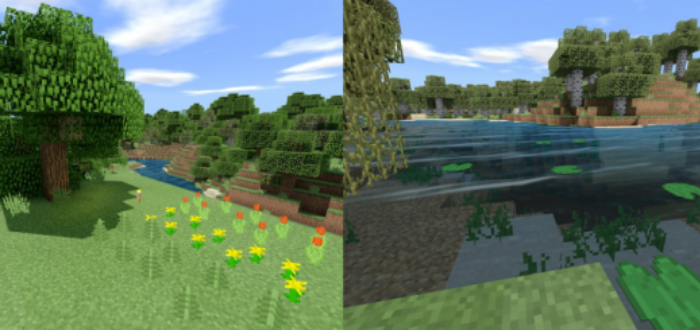
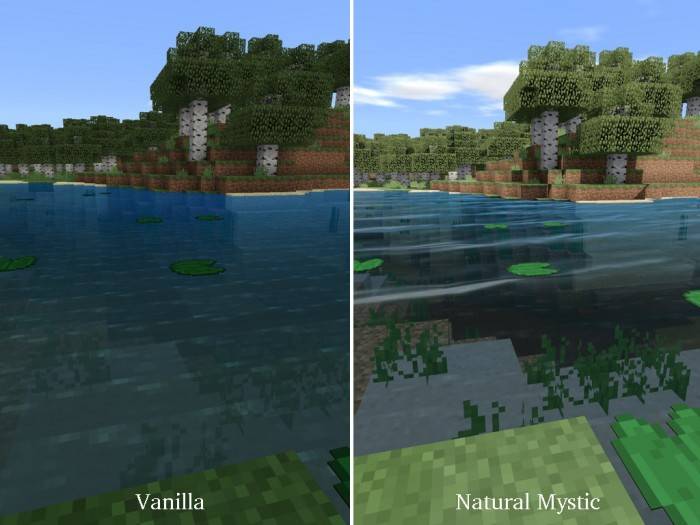
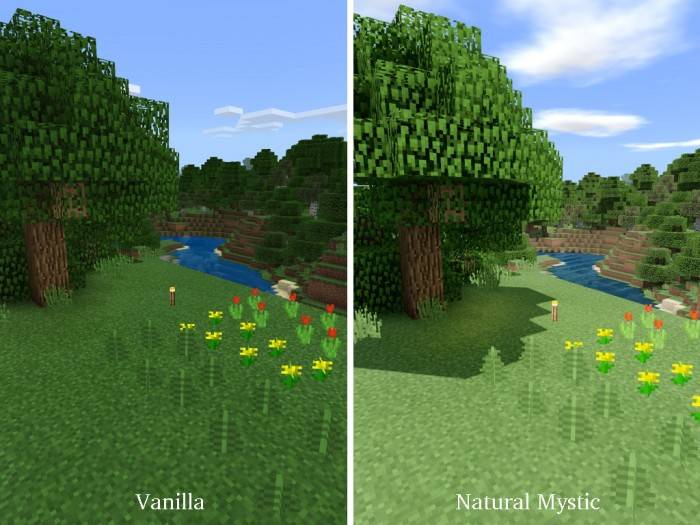
Shaders known as Natural Mystic are a collection of resources designed for Minecraft Bedrock, aimed at enhancing the realism of the game. Naturally, they comprehensively address lighting within the gameplay.
Sunlight and moonlight with increased intensity during nighttime
Adjustable exposure, contrast filters, and tonal mapping
Landscapes appear somewhat gloomy under poor weather conditions
Waves added to water and leaves.
The author has also placed significant emphasis on shadows in MCBE. As a result, the overall visuals in the game appear brighter, with more pronounced shadows.
Update 1.9
The author has fixed animations and improved textures.
The textures for both the moon and sun have been enhanced.
Installing Natural Mystic (.mcpack)
Download the shaders labeled as “.mcpack” from below.
Run the downloaded file to import the shaders into Minecraft.