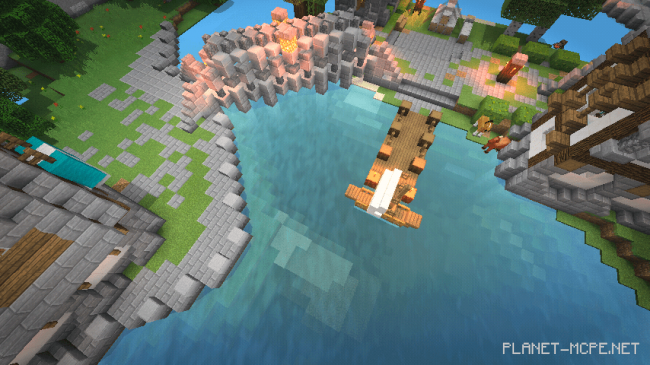
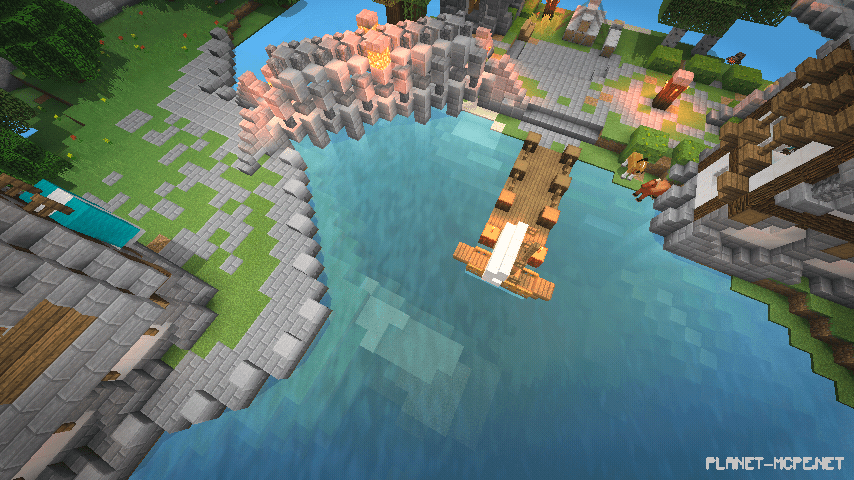
Quite straightforward shaders called Sono for Minecraft Pocket Edition, designed with natural concepts and experiences, making them feel more lifelike. These shaders are also compatible with low-end devices!
Features
Optimized green world
More realistic shadows
Movement effects for grass, leaves, and water
Realistic cloud effects
Authentic sun and moon visuals
Clear blue sky
Natural lighting effects
Effect of gentle water waves
Installing Sono (.zip):
Download the shaders.
Create a folder named resource_packs in the directory games/com.mojang/.
Extract the shaders from the archive and move only the folder from this archive into the resource_packs folder.
Go to MCPE settings, then navigate to texture management.