Реклама на сайте
2 млн+ просмотров в месяц
Ads

Shaders USSPE 1.2

Shaders USSPE 1.2
05.02.2026 Shaders admin 0 comments 1 min 156 views

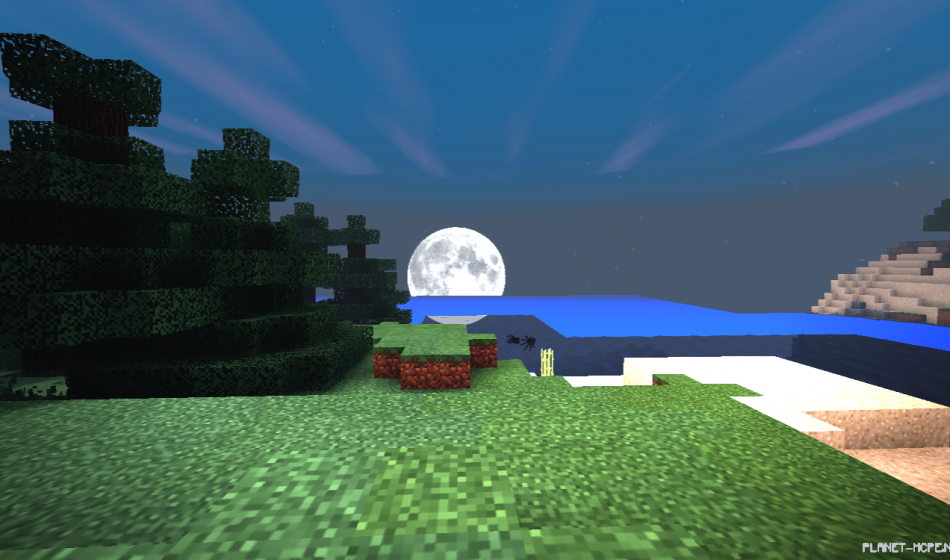
Shaders «USSPE (Light Shaders)» are incredibly lightweight shaders designed for Minecraft PE. These shaders cater to low-end devices, standard gadgets, and high-performance systems. The shaders are truly fantastic and were created in celebration of the creators’ day within the MCPE community!
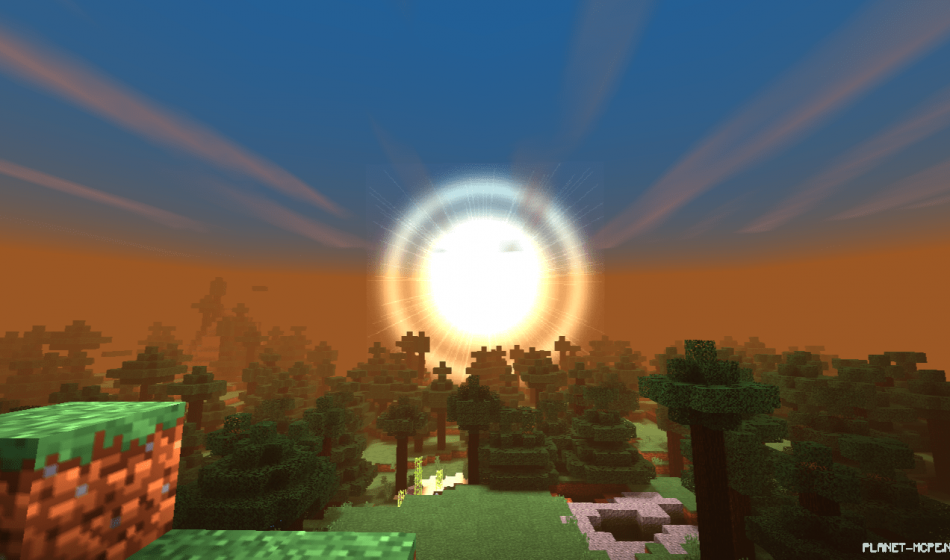
Features

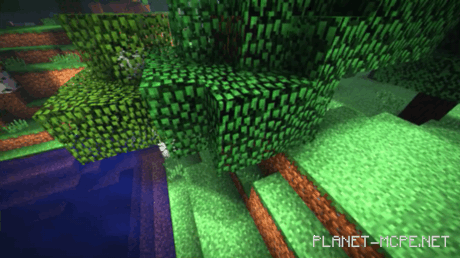
  • Waving leaves and water
  • New sun and moon textures
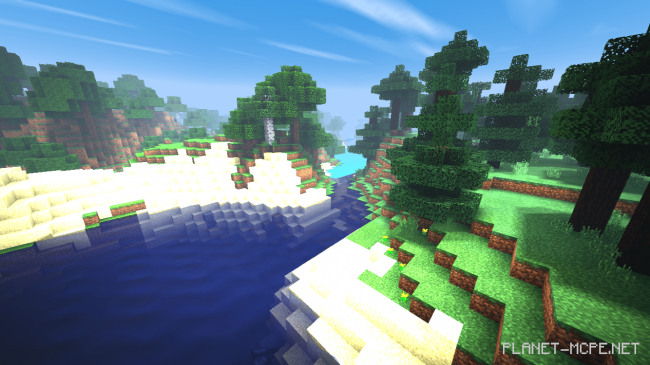
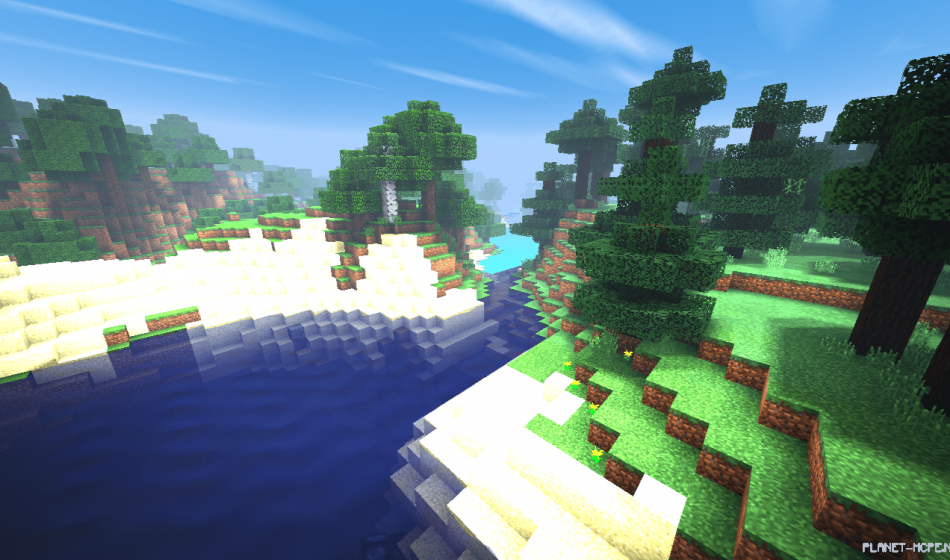
  • Clear water
  • Bright sand
  • And much more

USSPE Shaders 1.2

Installing USSPE (.mcpack)

  • Download the shaders marked with “.mcpack” below.
  • Run the downloaded file to import the shaders into MCPE.
  • Open Minecraft Pocket Edition and navigate to world settings.
  • Set the imported:
    Resource Packs for your world.
  • Select the imported shaders in each section.
  • It is recommended to restart the Minecraft PE client afterward.
  • Launch Minecraft Pocket Edition, enter the previously configured world MCPE, and enjoy the shaders!

Installing USSPE (.zip):

  • Download the shaders.
  • Create a folder named resource_packs in the directory “games/com.mojang/”.
  • Extract the shaders from the archive and move only the folder from this archive into the resource_packs folder.
  • Go to MCPE settings, then to texture management.
  • Select your shaders.
  • Have fun playing!

Leave a comment