Реклама на сайте
2 млн+ просмотров в месяц
Ads

Shaders Cloudy 1.2

Shaders Cloudy 1.2
05.02.2026 Shaders admin 0 comments 1 min 299 views

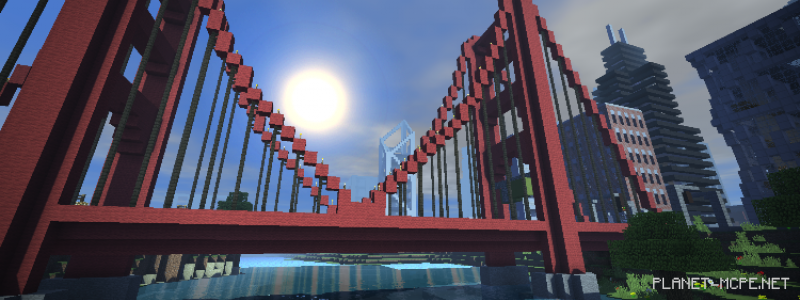
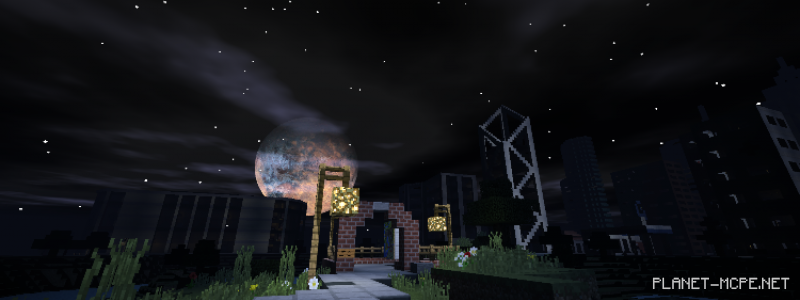
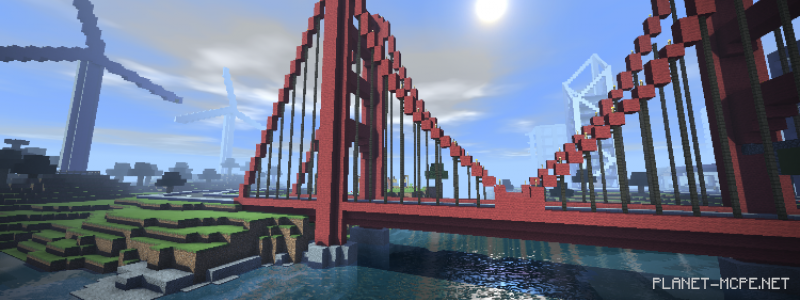
We present to you the shadersCloudy (Cloudiness)” featuring realistic clouds in Minecraft PE and even more! Customization options are available. The movement of plants, trees, and water in the wind has been enhanced. New characters have been added to the MCPE font. The bar scales have been corrected.
Installing Cloudy (.mcpack)

  • Download the shaders marked with “.mcpack” below.
  • Run the downloaded file to import the shaders into MCPE.
  • Open Minecraft Pocket Edition and go to world settings.
  • Set the imported for the world:
    Resource Packs.
  • Select the imported shaders in each section.
  • It is recommended to restart the game client Minecraft PE afterward.
  • Launch Minecraft Pocket Edition, enter the previously configured world MCPE, and enjoy the shaders!

Leave a comment