Реклама на сайте
2 млн+ просмотров в месяц
Ads

Alto Shaders 1.2.7

Alto Shaders 1.2.7
05.02.2026 Shaders admin 0 comments 2 min 258 views

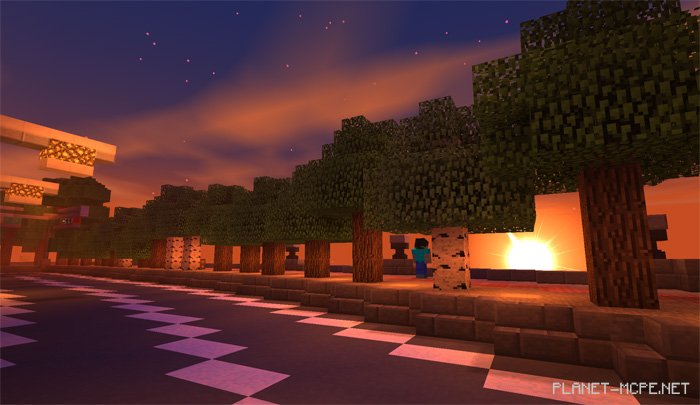
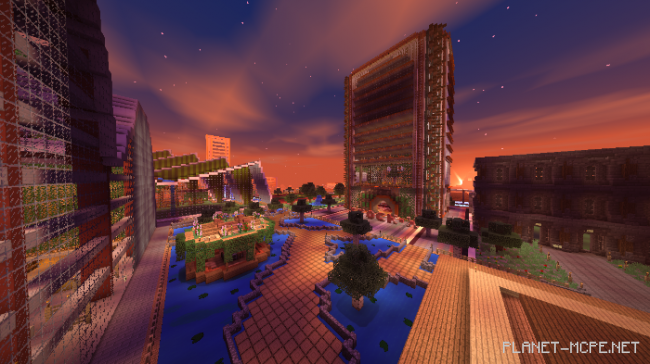
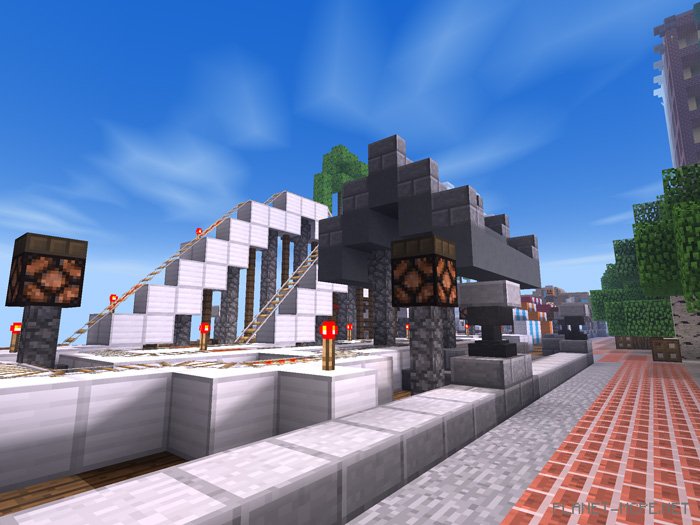
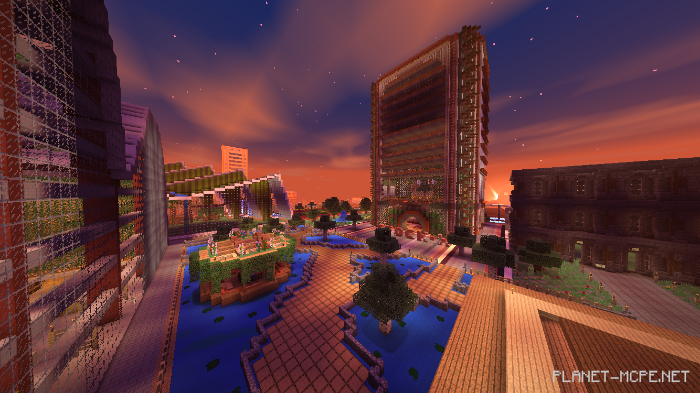
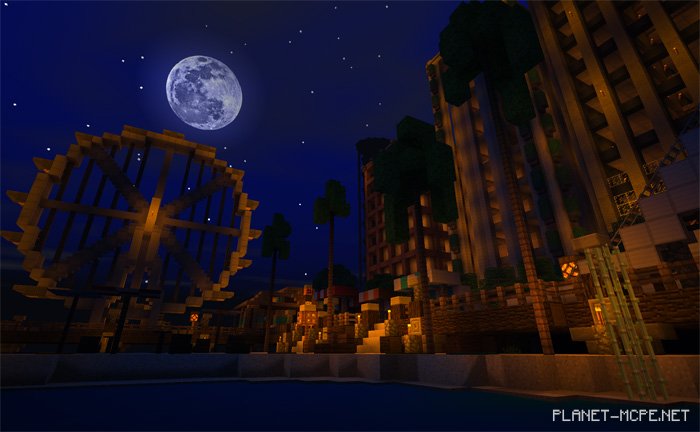
Shaders «Alto (Alto)» are lightweight shaders designed for MCPE, specifically optimized for older generation Android and iOS devices. While their features are somewhat limited at this time, they still provide a notable enhancement to the overall graphics of MCPE. The primary improvements focus on the sky and shadows, with water in Minecraft PE appearing more lifelike.
Changes

  • New water reflection (dynamic reflection)
  • Updated world colors during different times of day (morning, noon, sunset, and night)
  • Fixed an issue when viewing from certain angles
  • Underwater bloom effect
  • Natural swaying plants and leaves

Installing Alto (.mcpack)

  • Download the shaders marked as “.mcpack” below.
  • Run the downloaded file to import the shaders into MCPE.
  • Open Minecraft Pocket Edition and navigate to world settings.
  • Set the imported:
    Resource Packs for your world.
  • Select the imported shaders in each section.
  • It is recommended to restart the Minecraft PE client afterward.
  • Launch Minecraft Pocket Edition, enter the previously configured world MCPE, and enjoy the shaders!

Installing Alto (.zip):

  • Download the shaders.
  • Create a folder named resource_packs in the directory games/com.mojang/.
  • Extract the shaders from the archive and move only the folder from that archive into the resource_packs folder.
  • Go to MCPE settings, then to texture management.
  • Select your shaders.
  • Have fun playing!

Leave a comment