Реклама на сайте
2 млн+ просмотров в месяц
Ads

Shaders SEUS PE 1.1.0.1+
Shaders SEUS PE 1.1.0.1+
05.02.2026 Shaders admin 0 comments 2 min 198 views

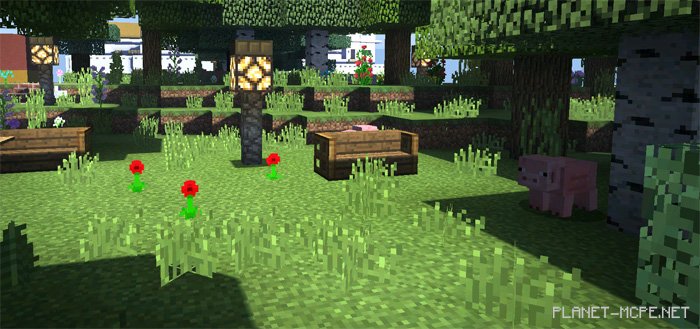
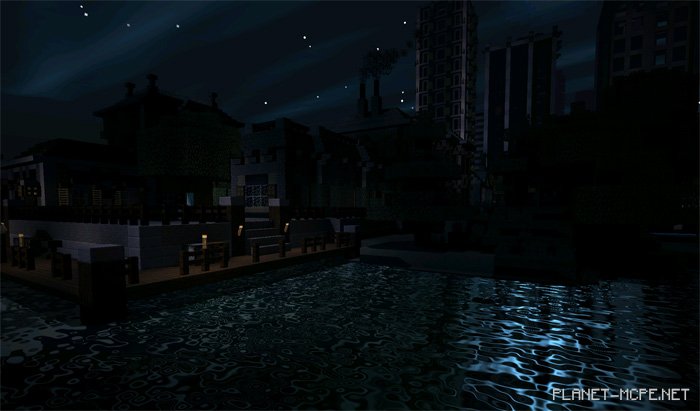
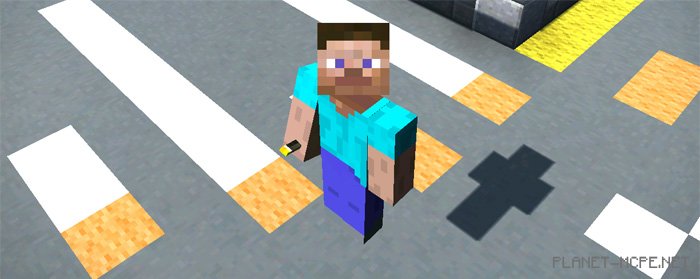
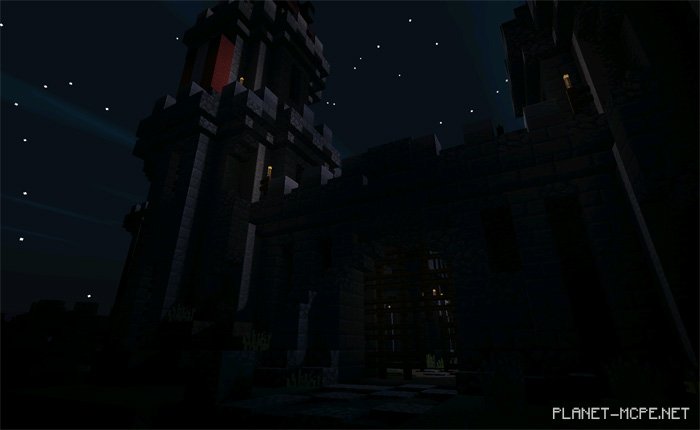
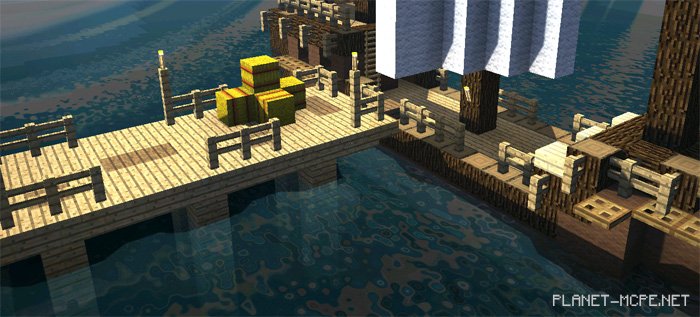
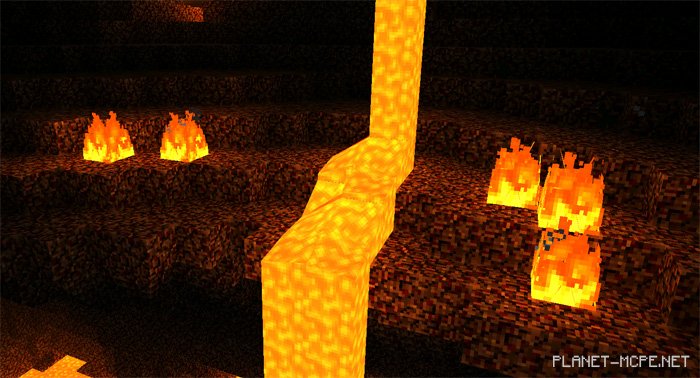
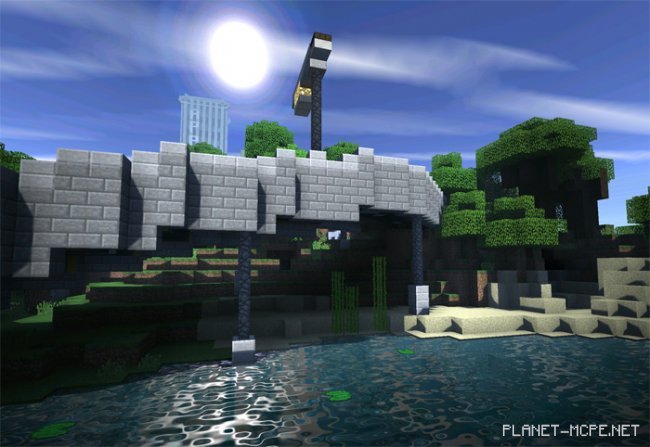
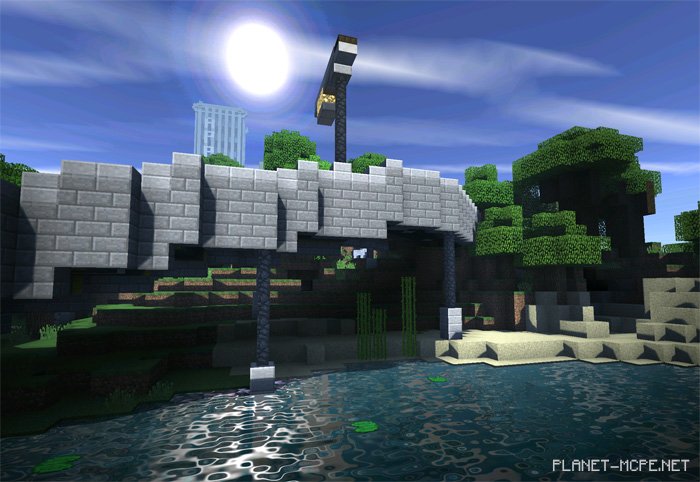
I believe these are the most realistic shaders available for Minecraft PE today! We present to you the SEUS PE” shaders for Minecraft Pocket Edition, which will enhance your MCPE world with stunning realism! Pay attention to how the moon and sun light reflect beautifully on the water’s surface! Shadows have been significantly improved, and you’ll notice them everywhere, including in the Nether of MCPE. If you’re a fan of Minecraft Pocket Edition and want to make textures more lifelike, you definitely need to try installing these shaders.
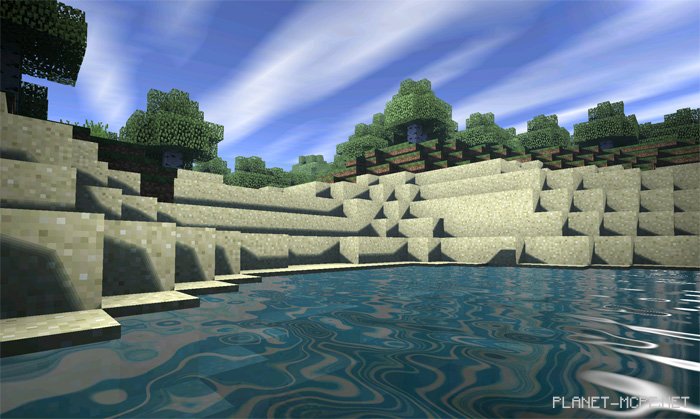
Screenshots

Shaders SEUS PE 1.1.0.1+Shaders SEUS PE 1.1.0.1+Shaders SEUS PE 1.1.0.1+Shaders SEUS PE 1.1.0.1+Shaders SEUS PE 1.1.0.1+Shaders SEUS PE 1.1.0.1+Shaders SEUS PE 1.1.0.1+Shaders SEUS PE 1.1.0.1+

Installing SEUS PE (.mcpack)

  • Download the texture marked as “.mcpack” below.
  • Open the downloaded file to import the texture into MCPE.
  • Launch Minecraft Pocket Edition and go to the world settings.
  • Set the imported:
    Resource Packs for the world.
  • Select the imported resource packs in each section.
  • It is recommended to restart the game client Minecraft PE afterwards.
  • Start Minecraft Pocket Edition, enter the previously configured MCPE world, and enjoy the textures!

Installing SEUS PE (.zip):

  • Download the textures.
  • Create a folder named “resource_packs” in the directory “games/com.mojang/”.
  • Next, extract the textures from the archive and move only the folder from this archive into the “resource_packs” folder.
  • Go to MCPE settings, then manage textures.
  • Select your textures.
  • Have fun playing!

Leave a comment