Реклама на сайте
2 млн+ просмотров в месяц
Ads

Shaders GLSL Ultra 0.14.0
Shaders GLSL Ultra 0.14.0
05.02.2026 Shaders admin 0 comments 1 min 134 views

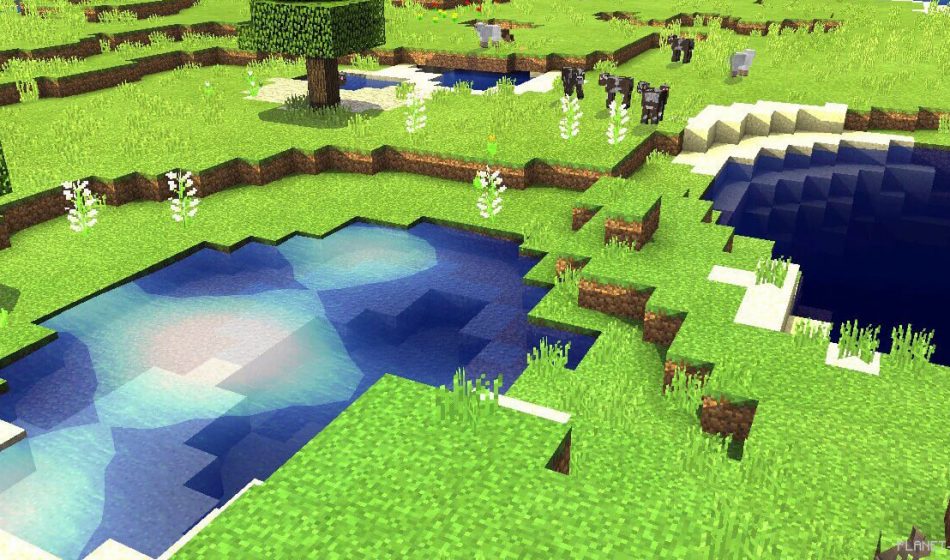
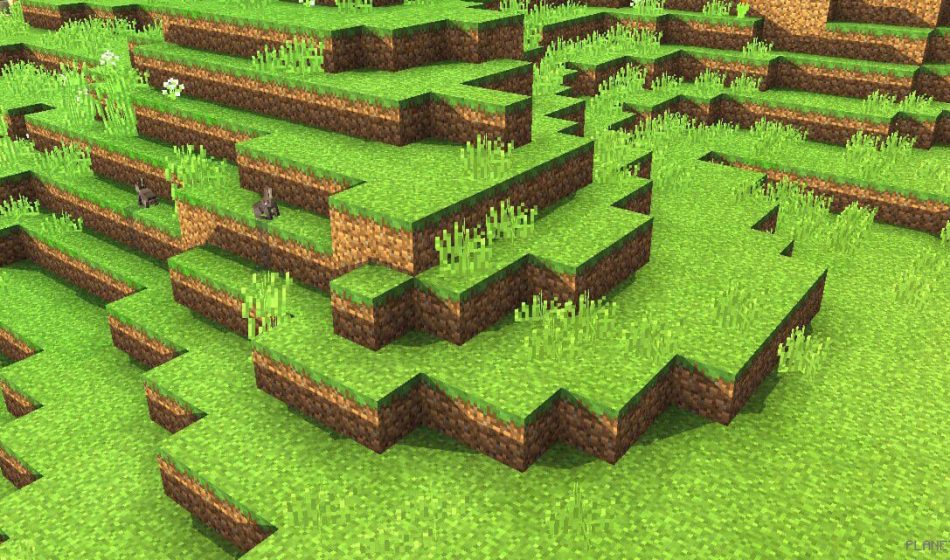
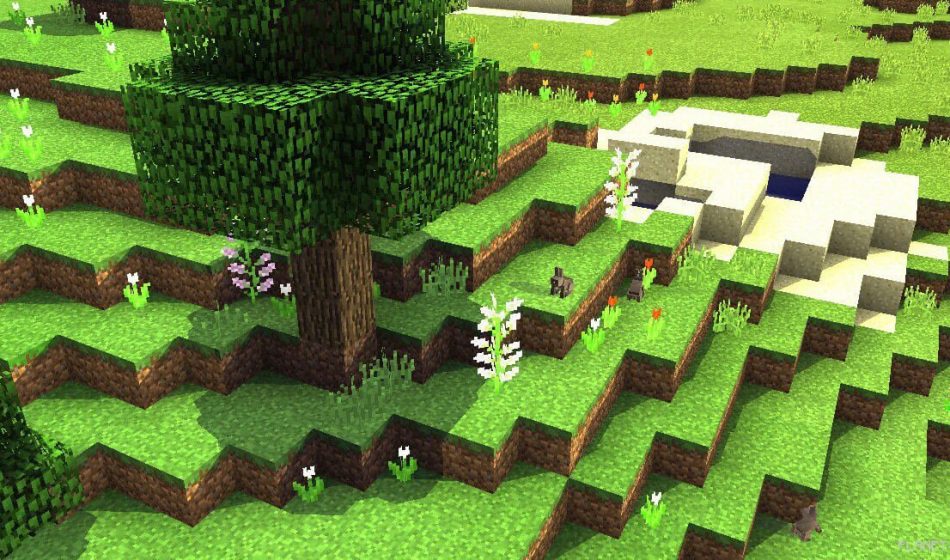
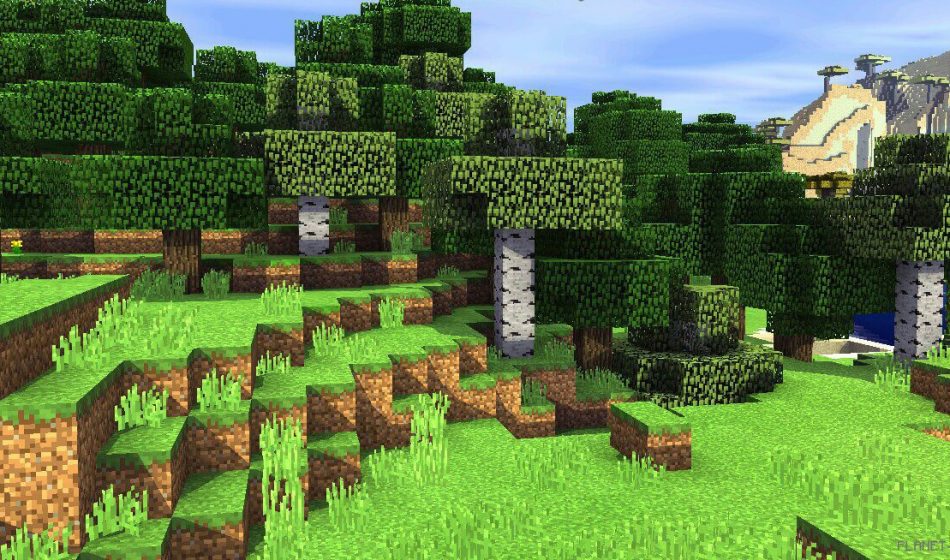
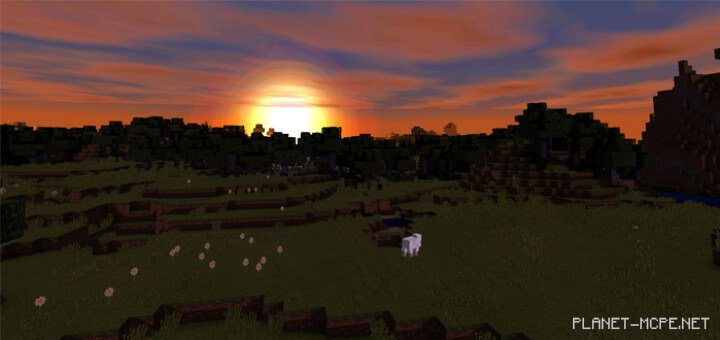
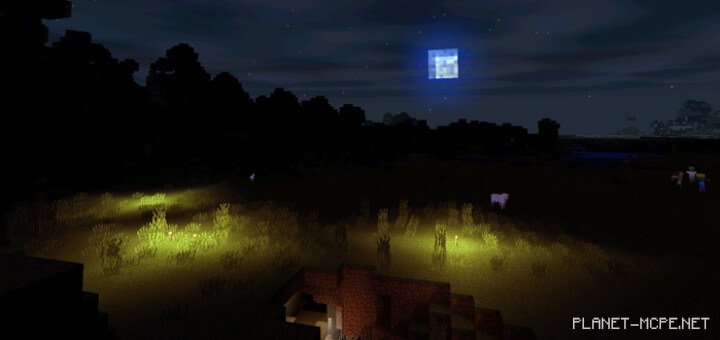
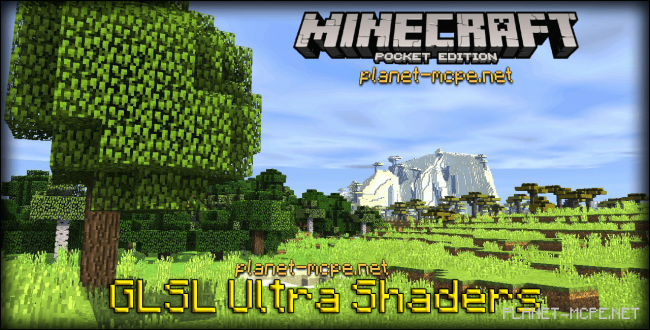
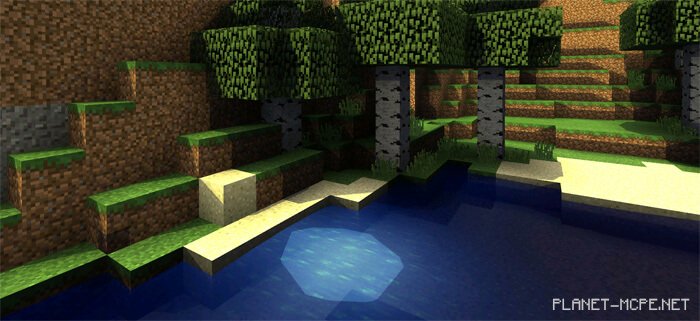
GLSL Ultra Shaders redefine the experience of Minecraft Pocket Edition with innovative animation effects introduced in GLSL Ultra shaders. With GLSL Ultra shaders, you will immerse yourself in a world where, at the gust of wind, you can see grass, tree leaves, and other plants sway beautifully in Minecraft PE.

If you take a closer look, you’ll also notice the shadows of animals that appear incredibly realistic—it’s hard to look away! The sky has been transformed as well, changing according to weather conditions and time of day—be sure to observe this; you won’t regret it!GLSL Ultra Shaders 0.14.0GLSL Ultra Shaders 0.14.0GLSL Ultra Shaders 0.14.0GLSL Ultra Shaders 0.14.0GLSL Ultra Shaders 0.14.0GLSL Ultra Shaders 0.14.0GLSL Ultra Shaders 0.14.0
How to Install GLSL Ultra Shader:

  • Download the shaders.
  • Open BlockLauncher Pro.
  • Click on the wrench icon.
  • Go to BL Settings.
  • Enable texture support.
  • Navigate to Texture Pack and click Import.
  • Now locate the downloaded shaders in your device’s file system and select them.
  • Enjoy your new textures!

Leave a comment